AR-601Feature · AR walk-through
Walk through your house on your phone before it's built
Scan a QR code and walk through your house plan on your phone at eye height, room by room. Or stand on the empty plot and see the house around you at full size in AR. No app to install.
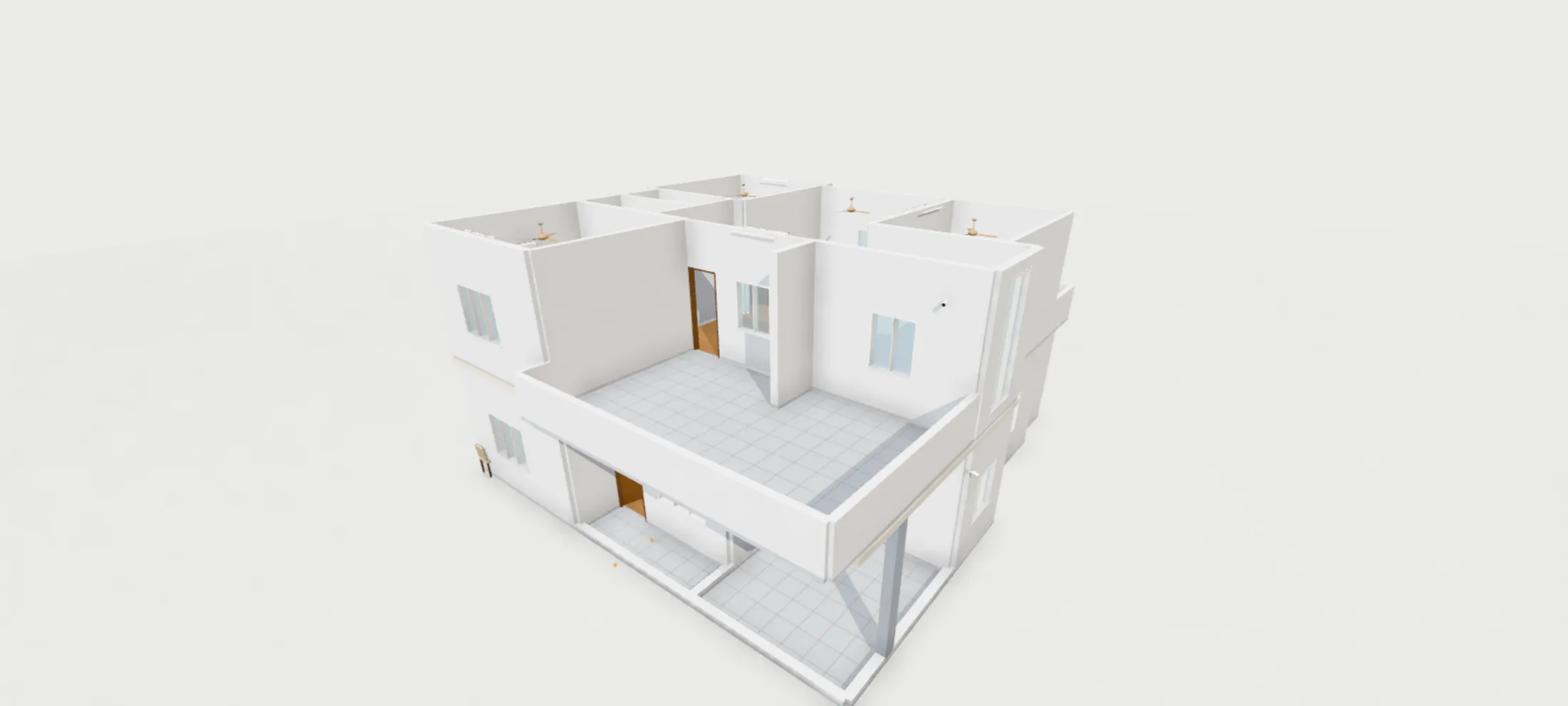
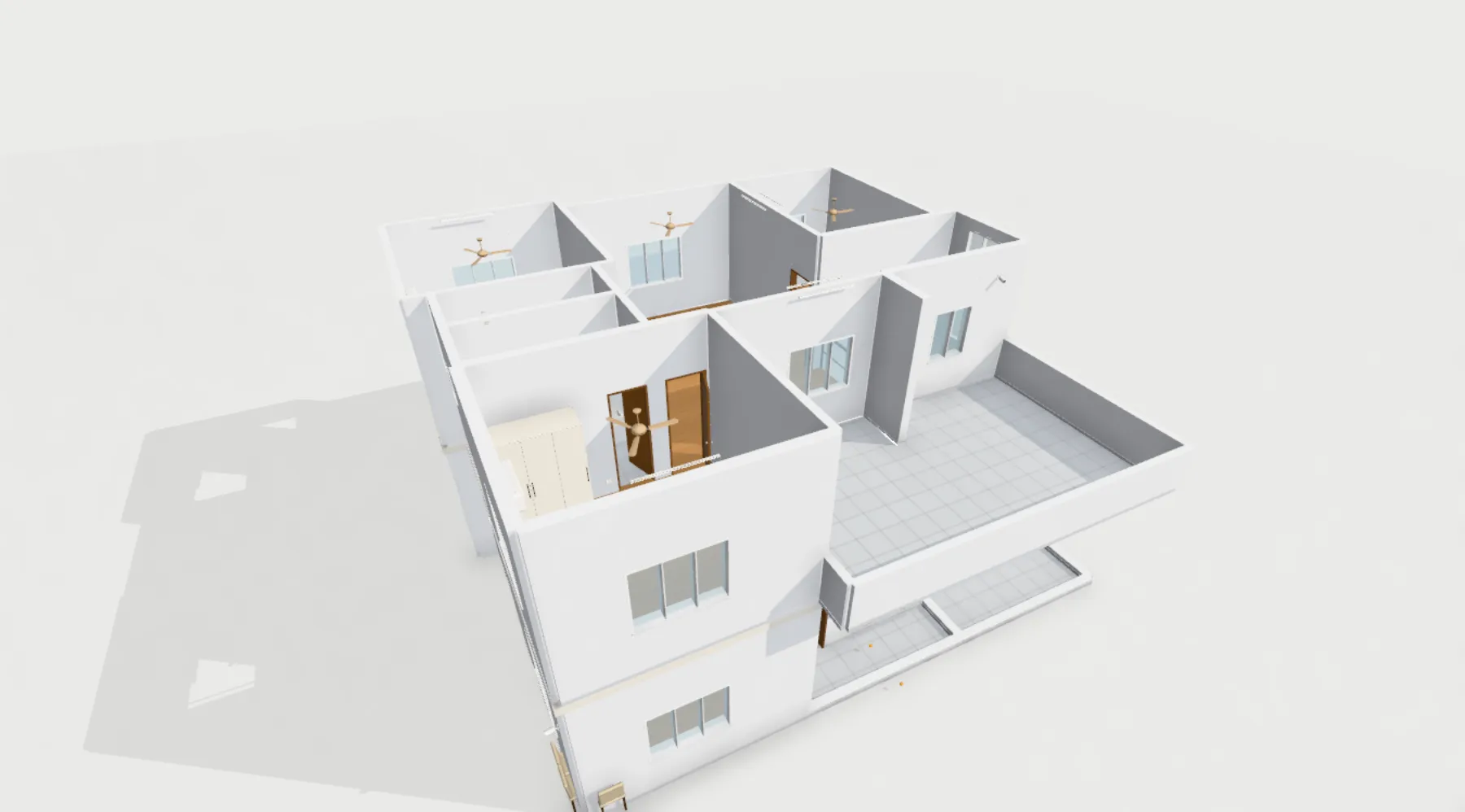
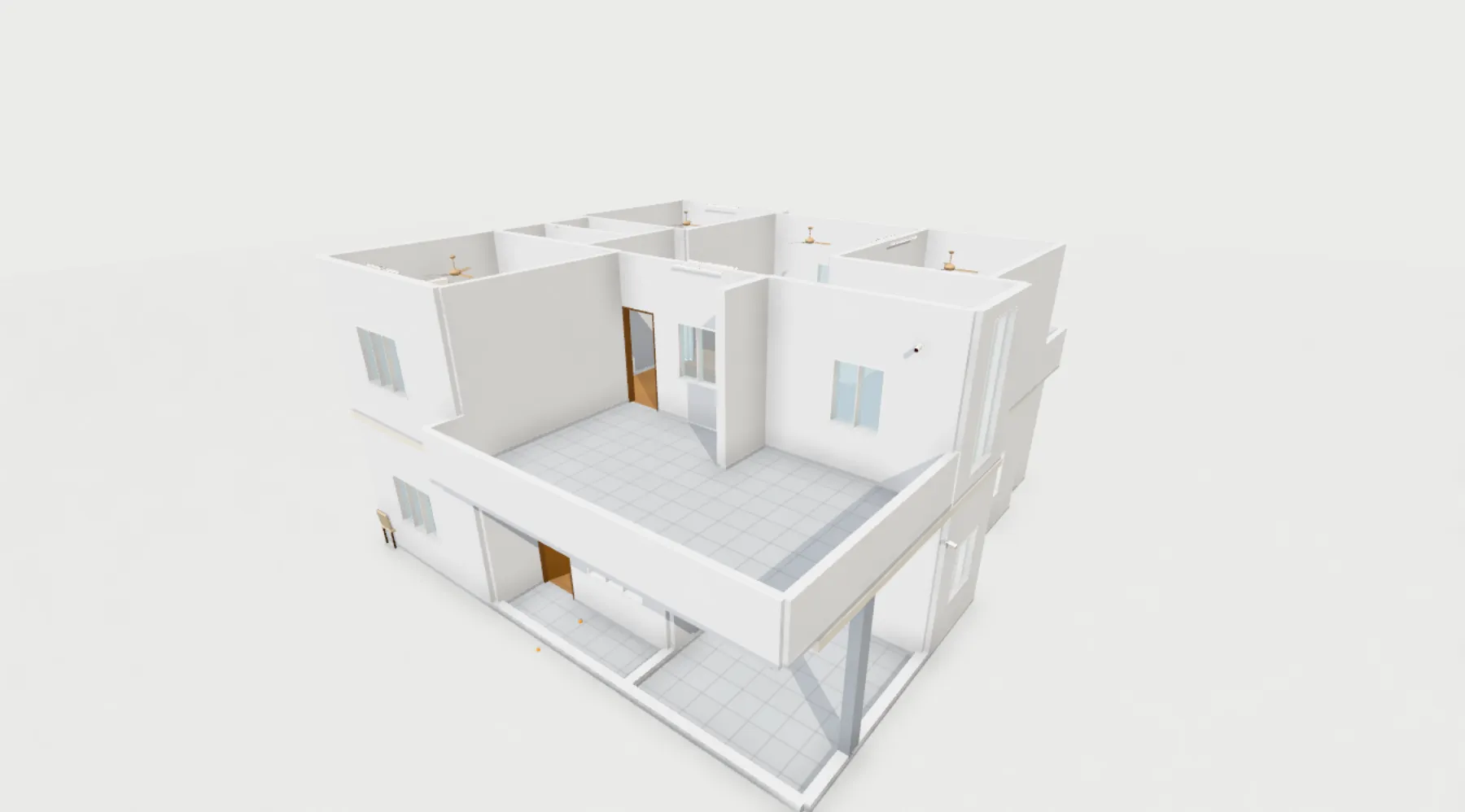
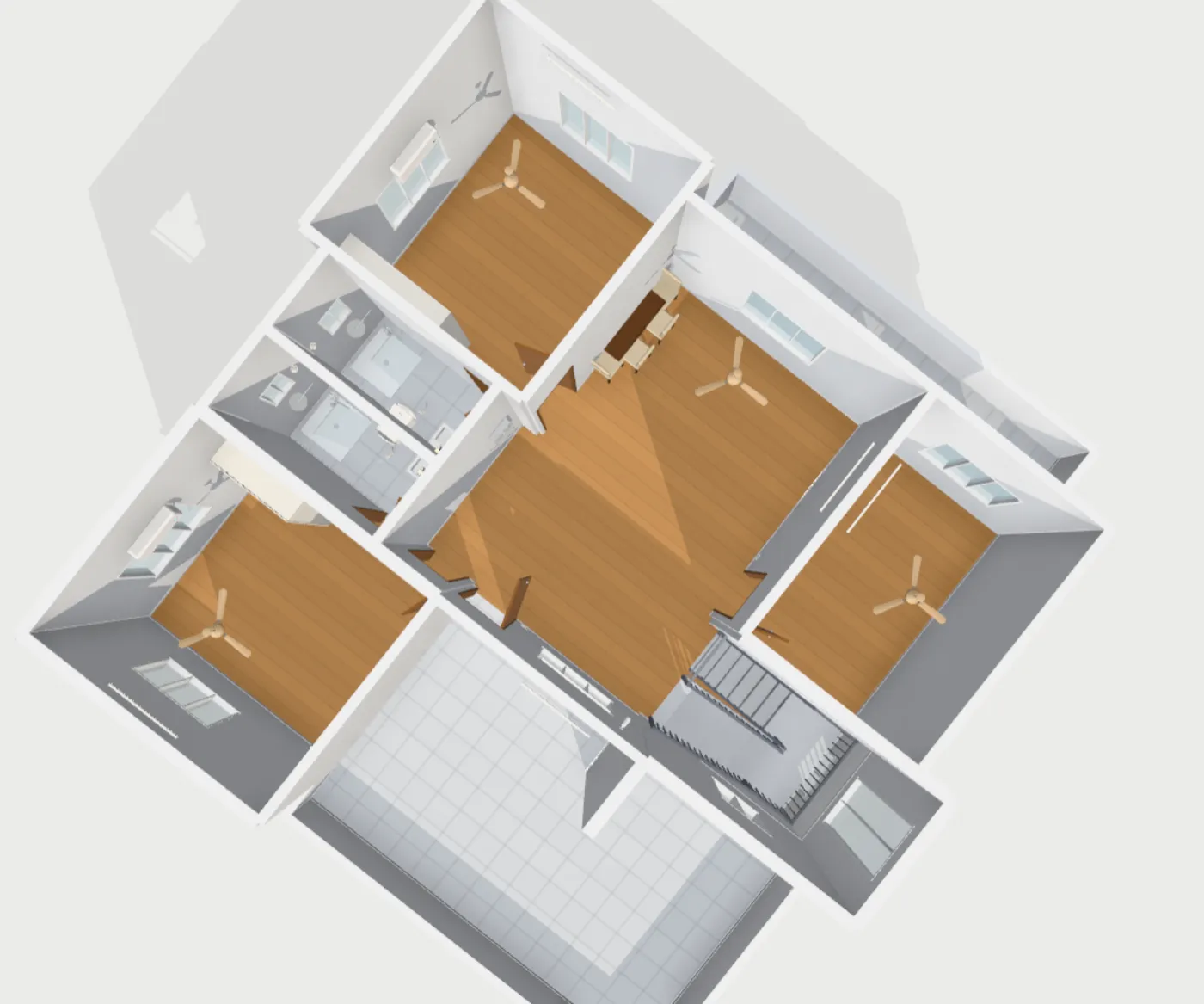
The sample house on a phone: walk, orbit, plan
Seeingis believing
A floor plan asks everyone to imagine. Parents, a spouse working abroad, the contractor: each pictures a different house. A walk-through on a phone puts them all in the same rooms, at the right size, before anything is built - and that's when changes are cheap.
AR-601.2How it works
From the first wall to the finished plan
01
Design it in the planner
Draw the plan on a laptop - walls, storeys, doors, windows, furniture. The walk-through is built from the same model, so it's always the current version.
02
Share a link or a QR code
Send a view link, or show the QR code on screen. Anyone with it opens the house in their phone's browser; they don't need an account. You can revoke a link at any time.
03
Walk it at eye height
Turn the phone to look around and walk forward with the on-screen joystick or by stepping. Walls block you; doorways and low kerbs don't. Add it to the home screen and it opens full-screen like an app.
04
See it on the plot in AR
On a phone that supports AR in the browser, place the house on the empty site at full size and walk around it, or set a small model on a table to talk it through.
AR-601.3What you get
- No app
- The walk-through opens in the phone's browser from a link or QR code.
- Eye-height walking
- Look around by turning the phone; walk with a joystick or by stepping.
- Walls are walls
- You can't walk through them; doorways and low kerbs let you through.
- AR on the plot
- Full-size placement on phones that support AR in the browser.
- Always current
- The link opens the latest version of the plan, not a copy.
- Private links
- View-only links you can revoke; editing stays with the workspace.
AR-601.4From the sample house
The sample house, ready to walk
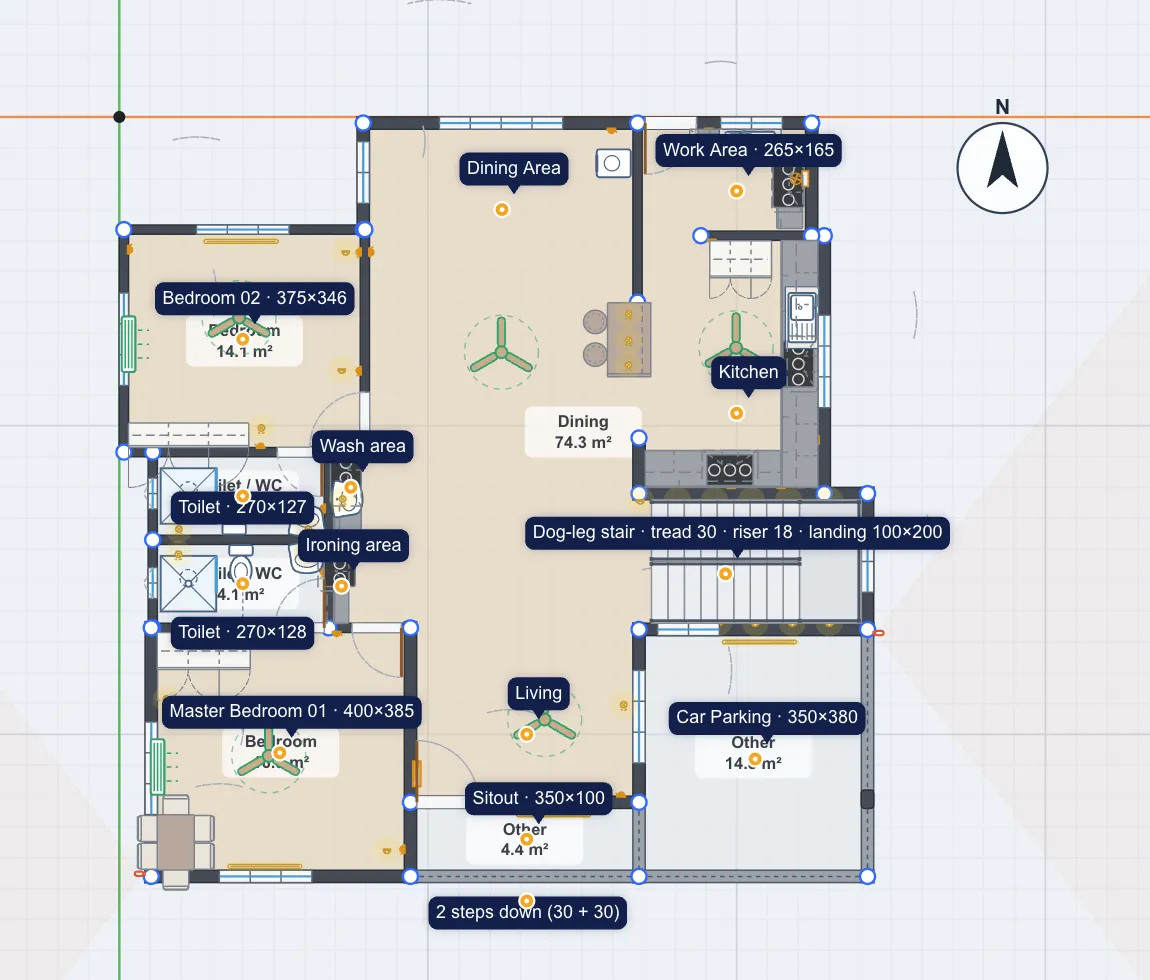
2 storeys, 15 rooms and 3,056 sq ft, with its furniture, sunshades and the dog-leg stair - the same model you can open in the planner.
AR-601.6 / Two places at once
Built for families in two places
Many homes in Kerala are planned by people who live somewhere else - in the Gulf, in Bengaluru, in Europe - while parents or a brother watch the site. A drawing sent on a messaging app doesn't travel well.
A walk-through link does. The owner abroad, the parents at home and the contractor in Kochi all open the same house, at the same size, from the same link, and it's always the latest version. When the architect moves a wall, everyone sees it the next time they open the link.
For the conversation that follows, comments pin to the exact spot on the plan, and a team workspace lets the people who need to edit do so without passing files around.
AR-601.9FAQ
Questions people ask
Do I need an app?
No. The walk-through opens in the phone's browser from a link or a QR code. You can add it to the home screen so it opens full-screen.
Which phones support AR?
Placing the house on the plot needs a phone whose browser supports AR (WebXR). The eye-height walk-through works on any modern phone.
Can my family view it without an account?
Yes. Anyone with a view link can open the walk-through. They can't change the plan unless you invite them to the workspace or send an edit link.
Is it to scale?
Yes. It's built from the same model as the plan, in centimetres, so rooms, doors and ceilings are at their real sizes.
Can I walk inside or only look from outside?
Both. Walk room to room at eye height, orbit the house from outside, or look at the plan from above.
Is the link private?
A link is only known to the people you send it to, and you can revoke it at any time. The phone walk-through is part of the workspace's plan - see pricing for which plans include it.
Start with the room you're standing in.
Draw one wall and the rest follows. Your first plan takes minutes, and it's free.