R-602Feature · Sun study & 3D renders
See your house in daylight, at night and in a photoreal render
Put your house on its plot, pick a date and scrub through the day to see where the sun falls and which rooms it reaches. Then turn the lights on at night, walk through it, and make a high-resolution, 360° or AI photoreal render.
Sun 60° NE · 59° up · Vastu score 87/100
The sun over a Kochi plot: pick a season, drag the hour
Lightbefore walls
Where the morning sun lands, which bedroom bakes in the afternoon, how the sit-out feels at dusk: it's hard to read any of that off a floor plan. A sun study on your own plot, at your own dates, answers it while walls are still easy to move.
R-602.2How it works
From the first wall to the finished plan
01
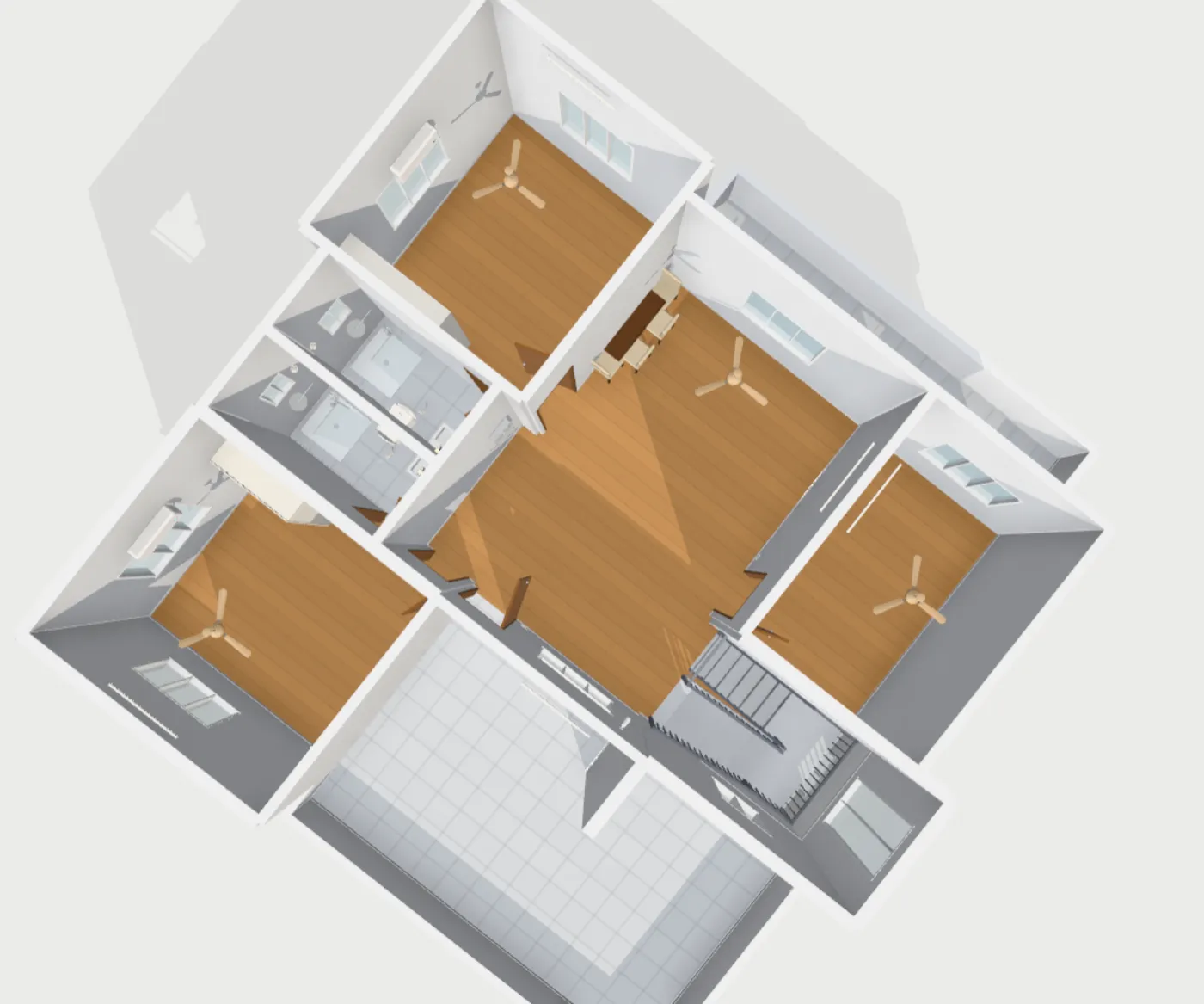
Set the site and north
In Site, sun & Vastu, search your city, use your location or paste a Google Maps link, and drag the north arrow over the plan. The sun is worked out for that exact place and time zone.
02
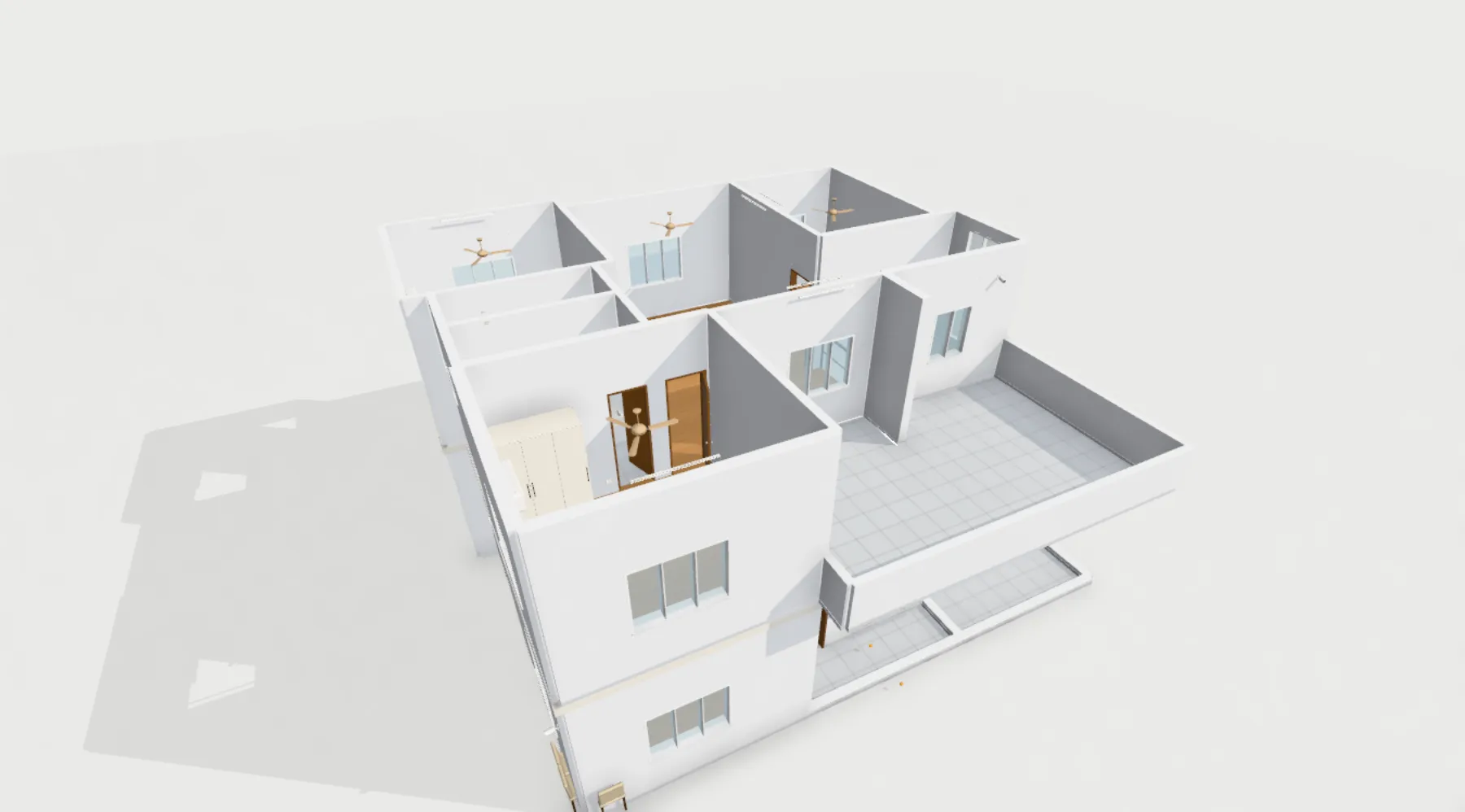
Scrub through the day
In 3D, open the sun bar: pick a date (with solstice and equinox shortcuts), drag across the 24 hours or press play. A sky dome, the day's sun path with hour marks and a compass ring show where the light comes from; roofs and ceilings cast their shadows.
03
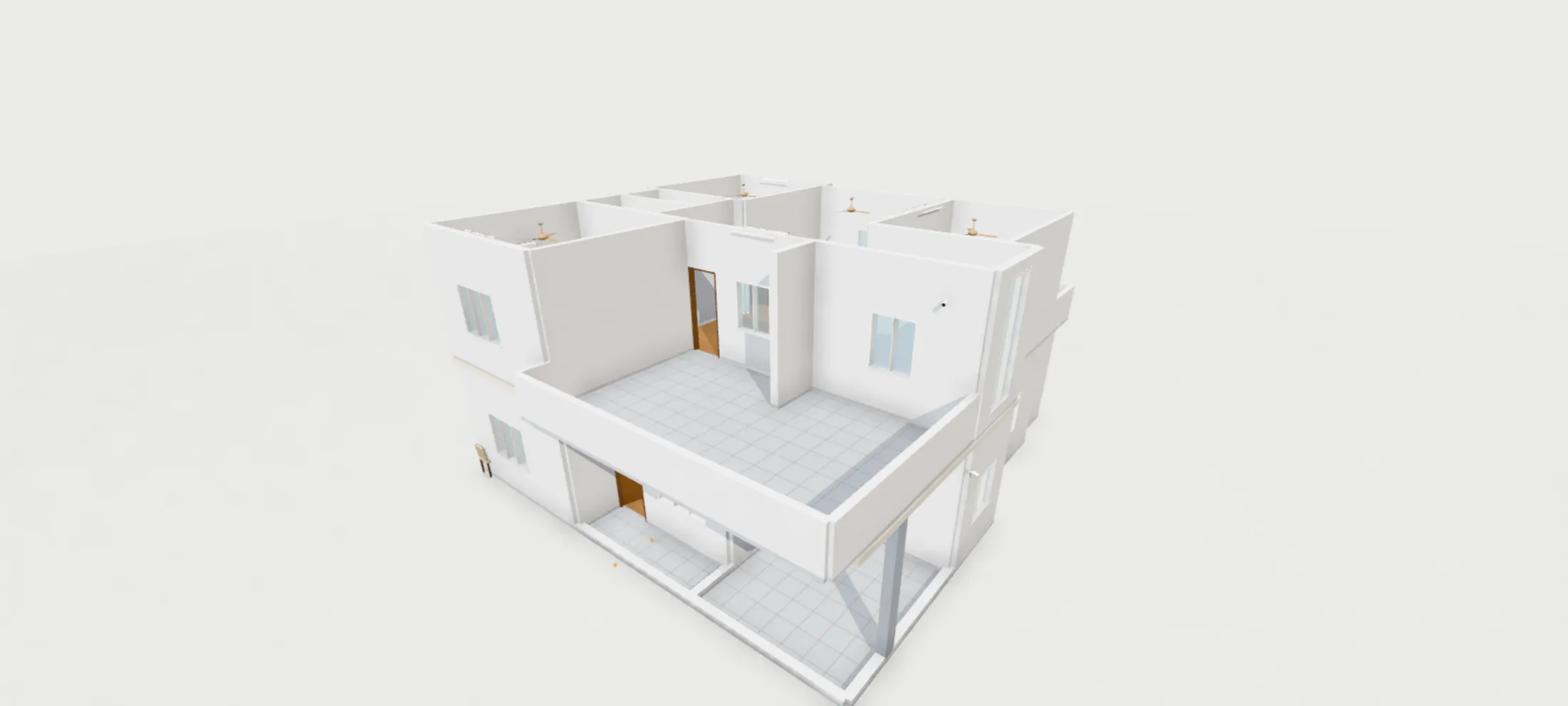
See it at night
Slide past sunset and the sky fills with stars, the moon takes over, and every light fitting you placed glows. It's the quickest check that the lighting plan works.
04
Render it
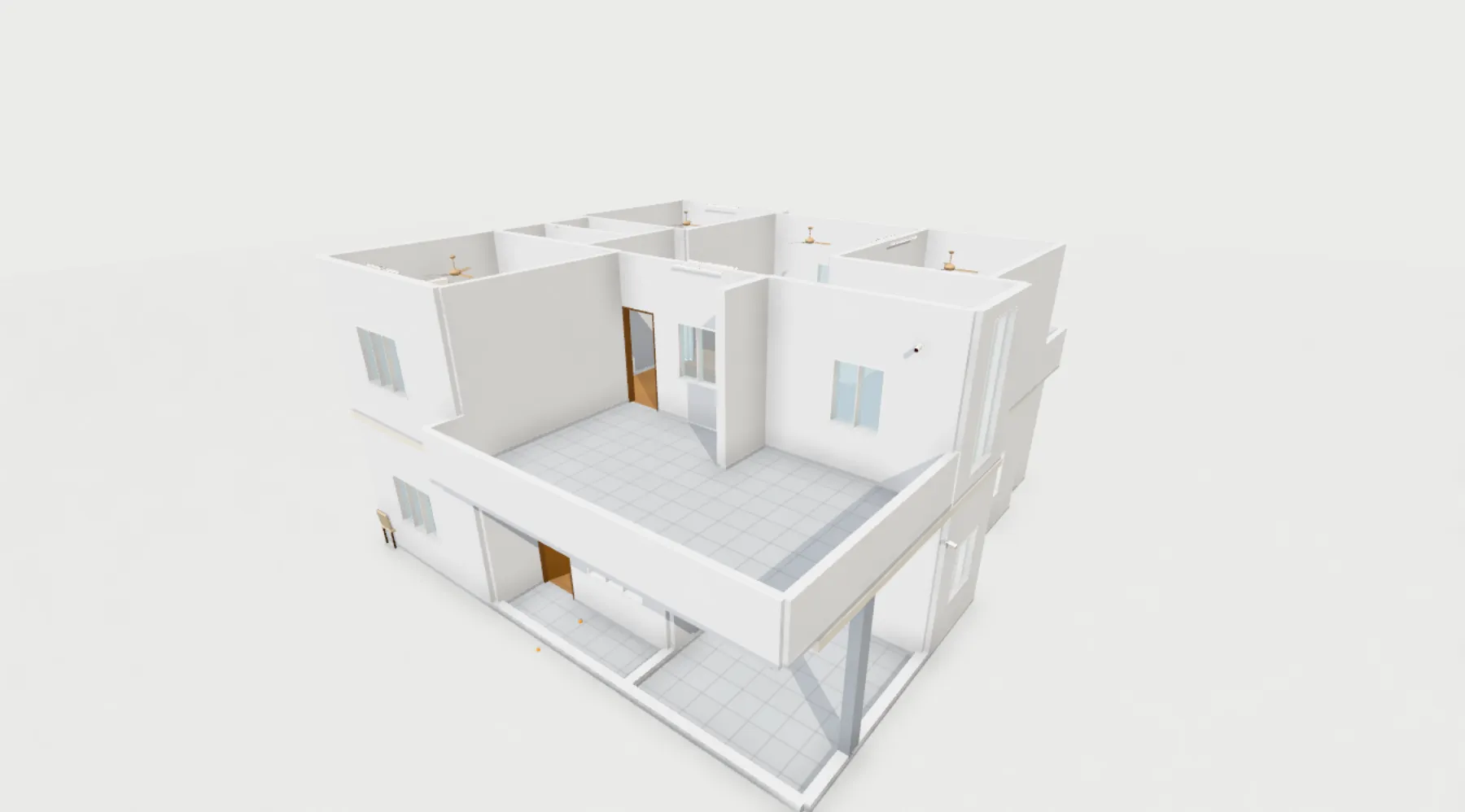
Frame the shot in 3D and open Render & 360°: a high-resolution image, a 360° panorama, or an AI photoreal render in a style you pick, from Kerala traditional to exterior dusk.
R-602.3What you get
- Your plot's sun
- City, coordinates or a Maps link, the site's time zone and north - the sun's position from NOAA's solar model.
- Any day, any hour
- A date with solstice and equinox chips, a 24 hour scrubber and play at an hour or four hours a second.
- A sky that tells you
- Sky dome, sun and moon, the day's sun path with hour marks and a compass ring.
- Night view
- Moonlight, stars and every light fitting glowing, from the same lighting plan you priced.
- Walk it
- Walk at eye height through one floor or the whole house; walls stop you, doorways don't.
- Renders
- High-res images and 360° panoramas, plus AI photoreal renders on paid plans.
R-602.4From the sample house
The sample house, lit and rendered
The Two-storey sample house - 3,056 sq ft over 2 storeys - in the 3D view, with its sunshades, sit-out and the dog-leg stair.
AI render styles
Pick a style, or write your own prompt.
- Modern Indian home
- Kerala traditional
- Minimal Scandinavian
- Luxury contemporary
- Exterior dusk
R-602.9FAQ
Questions people ask
Is the sun position accurate?
Yes. It uses NOAA's solar position algorithm for your plot's latitude, longitude and time zone, so the sun's angle and direction match the real sky for the date and hour you pick.
Can I see which rooms get morning sun?
Yes. Set the date and scrub to the morning hours; the shadows in 3D show which rooms and windows the sun reaches.
Will it run on my laptop?
Yes. The 3D view adjusts its own quality to stay smooth, stepping resolution and effects down and back up, and remembers what suits each device.
Are AI renders free?
High-resolution images and 360° panoramas are free. AI photoreal renders are on paid plans with a monthly allowance; see pricing.
Can I see the house at night?
Yes. Move the time past sunset, or pick the Night preset, and the lights you placed glow.
Can I walk through one floor at a time?
Yes. 3D shows one floor at a time, or the whole house; walk mode drops you to eye height inside.
Start with the room you're standing in.
Draw one wall and the rest follows. Your first plan takes minutes, and it's free.