G-110Feature · Collaboration
Work on one house plan together, wherever everyone is
Invite your family, architect, engineer and contractor into one plan. Edit at the same time, send a link that lets someone view, comment or edit, pin comments and RFIs to the exact spot, and keep every version.
RFISill height in dining area?
Electrical · to RK · due Fri · open → answered → closed
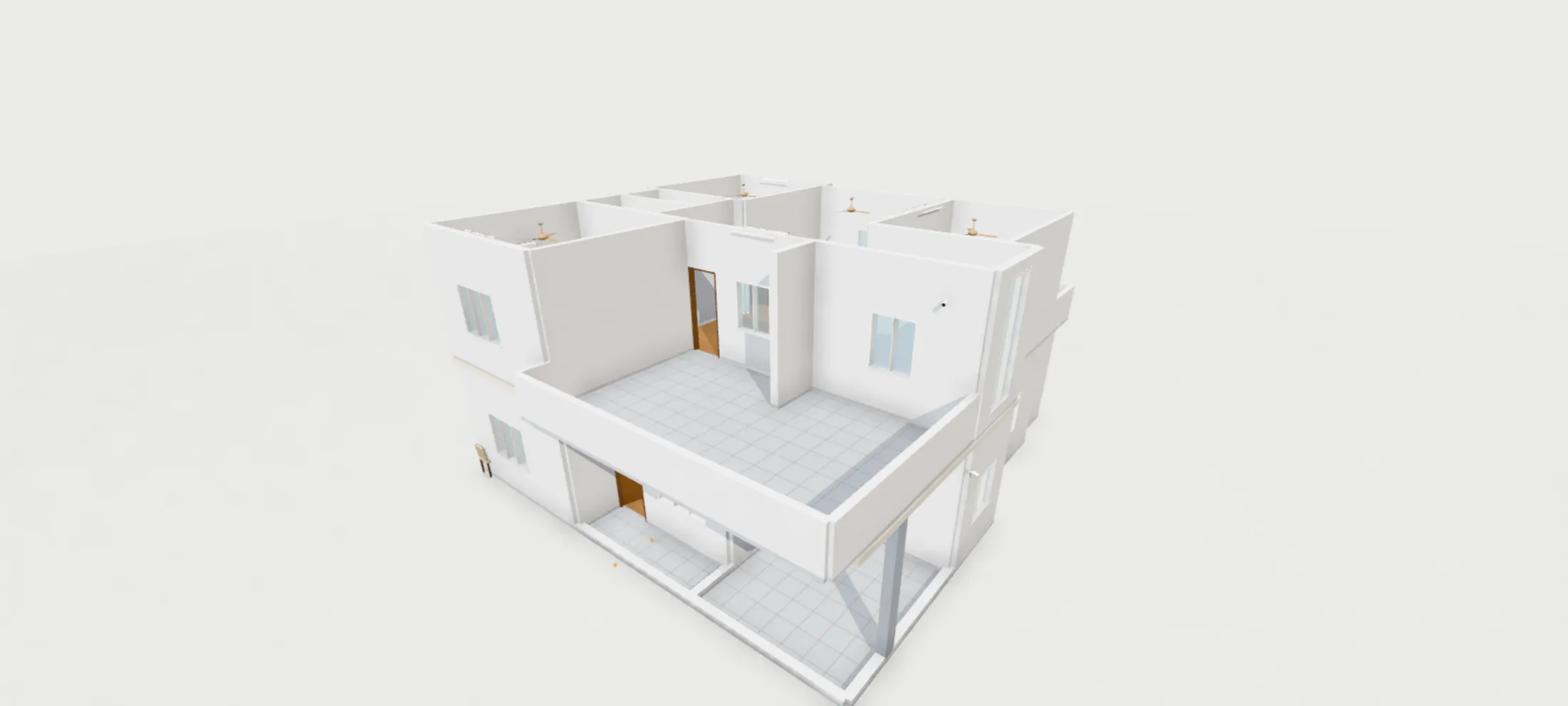
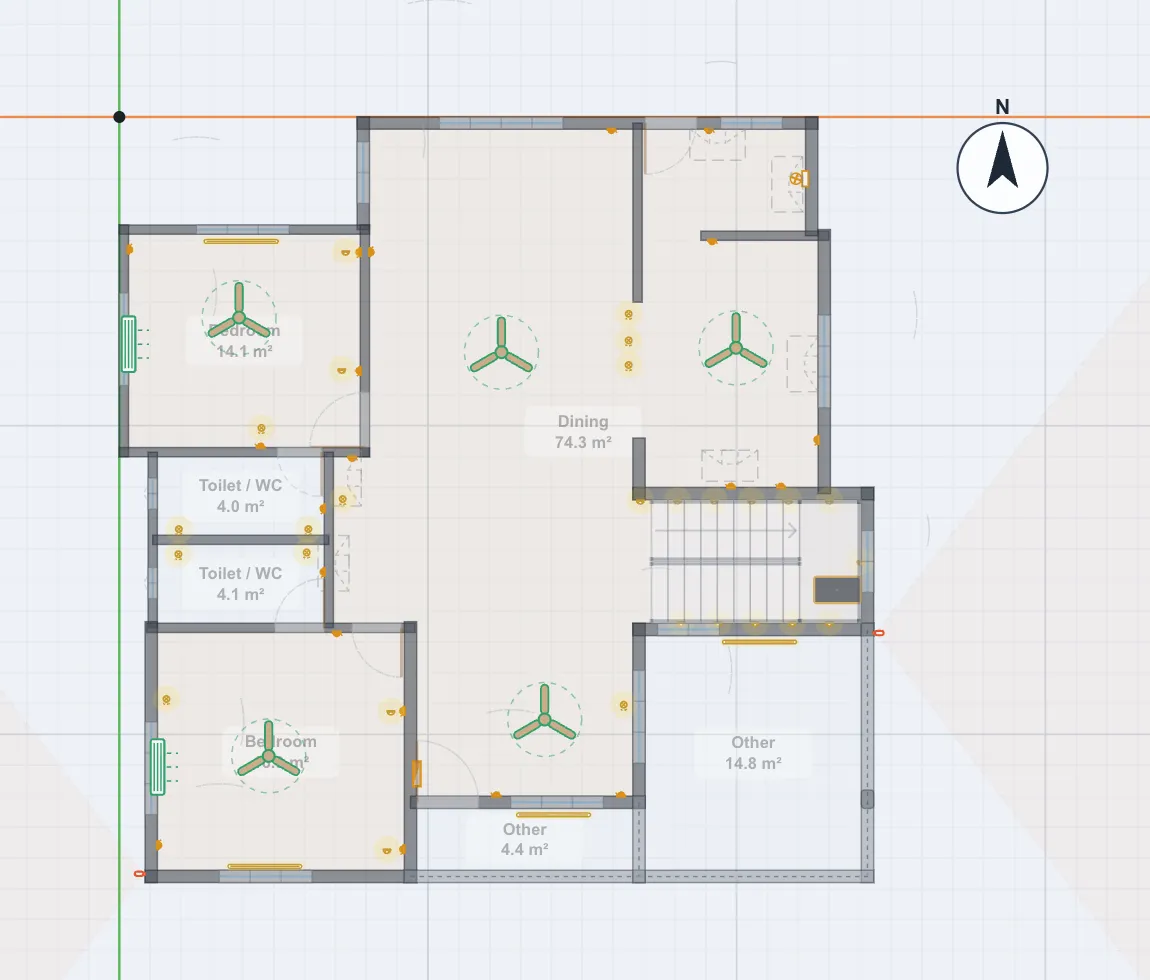
Comments, issues and RFIs pinned to the sample house
Oneplan
A house is planned by many people: the owner, family far away, the architect, the engineer, the contractor. Files on a messaging app go out of date the moment they're sent. Here everyone opens the same plan, sees the latest version and talks about it on the drawing itself.
G-110.2How it works
From the first wall to the finished plan
01
Make a workspace
A workspace holds a family's or a firm's projects. Invite people by email as owner, admin or member; they see every project in it. Its rate book and plan are shared too.
02
Or share one project
Press Share and make a link that can view, comment or edit. Whoever opens it doesn't need an account. Copy it, open it, or revoke it any time.
03
Edit together, live
Turn on live collaboration and everyone's changes appear as they make them; the top bar says how many others are in the plan.
04
Comments, issues and RFIs
Pin a comment, an issue or a request for information to the spot it's about, with a discipline, an assignee and a due date. Issues are open or closed; an RFI goes open → answered → closed, and overdue ones are flagged.
G-110.3What you get
- Workspaces and roles
- Owner, admin and member, with email invitations and a shared rate book.
- Share links
- View, comment or edit one project, no account needed, revocable at any time.
- Live editing
- Everyone's changes as they happen, and who else is in the plan.
- Issues and RFIs
- Assignee, discipline and due date; filter by open, awaiting an answer or overdue.
- Version history
- Named checkpoints you can restore or download, kept per your plan's limit.
- On any phone
- A view link or QR code opens the walk-through in a phone's browser.
G-110.4From the sample house
Who can do what
Access follows the workspace a project lives in, plus any links you send. Internal costs and margins in a quote are only ever shown to owners and admins.
| Who | Access | In practice |
|---|---|---|
| Workspace owner / admin | Everything | Invite people, change the plan, see internal costs and margin |
| Workspace member | Edit | Work on every project in the workspace |
| Edit link | Edit | One project, no account needed |
| Comment link | Comment | Pin comments, raise issues and RFIs |
| View link | View | Look, walk through it on a phone |
G-110.5Compared with how it's usually done
Latest version
- Messaging apps
- Whichever was sent last
- Shared drive
- A folder of copies
- Nuvie Planner
- One plan, always current
Feedback
- Messaging apps
- Screenshots and voice notes
- Shared drive
- Comments on a PDF
- Nuvie Planner
- Pinned to the spot on the model
Questions to consultants
- Messaging apps
- Lost in the chat
- Shared drive
- An email thread
- Nuvie Planner
- RFIs with an owner and a due date
Going back
- Messaging apps
- Scroll up
- Shared drive
- Find the right file
- Nuvie Planner
- Restore a named version
G-110.9FAQ
Questions people ask
Does everyone need an account?
No. A share link opens the project for anyone who has it, as view, comment or edit. Workspace members do sign in.
Can two people edit at the same time?
Yes. With live collaboration on, each person's changes show up for the others as they make them.
What's the difference between an issue and an RFI?
An issue is something to fix: it's open until it's closed. An RFI is a question that needs an answer: it goes open → answered → closed, and can't be answered empty.
Can I take back a link?
Yes. Revoke it from the Share dialog and it stops working straight away.
How many versions are kept?
It depends on your plan; see pricing. You can name a checkpoint at any time, restore it or download it.
Can my client see my margins?
No. Internal costs and margins in a quote are shown only to workspace owners and admins.
Start with the room you're standing in.
Draw one wall and the rest follows. Your first plan takes minutes, and it's free.